Features
What ApexVoid Photobooth does today.
A clear overview of the capture, design, printing and studio tools available in ApexVoid Photobooth.
Guest sessions
- Fullscreen Booth Mode for touchscreens, in portrait or landscape
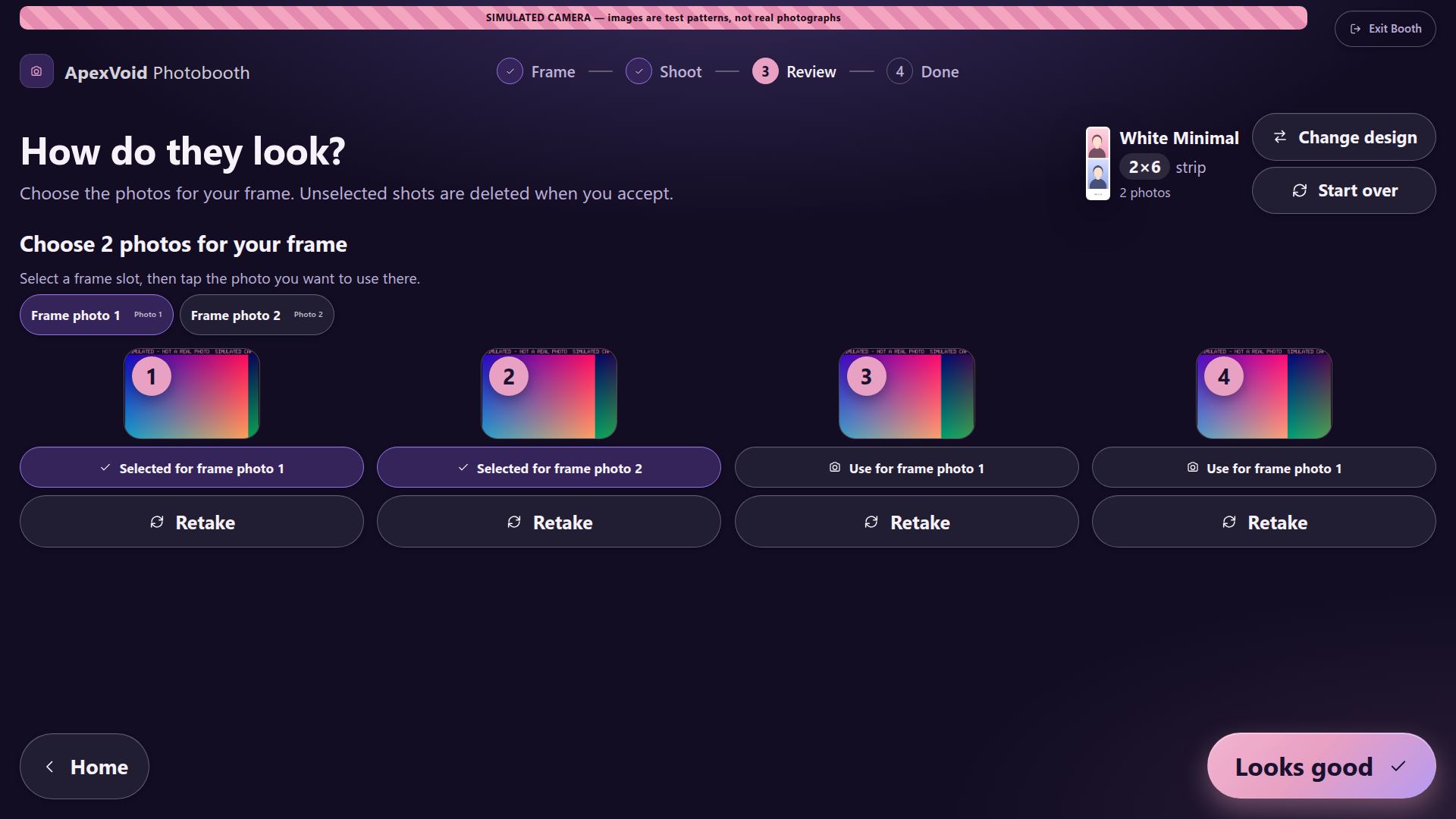
- Frame selection before the camera starts; the frame sets the photo count
- Live preview, countdown and per-photo progress
- Review with individual retakes
- Calm recovery when the camera disconnects: photos already taken are kept
- Guests can switch between English and Vietnamese
Cameras
- Canon EOS integration through EDSDK for compatible cameras
- Windows webcam and capture-device support through embedded FFmpeg
- Live camera preview and countdown-led automated capture
- Configurable shot count independent of the selected frame
- A clearly labelled simulated camera for testing without hardware
- Automatic reconnection and a preferred camera per mode
Frames and composition
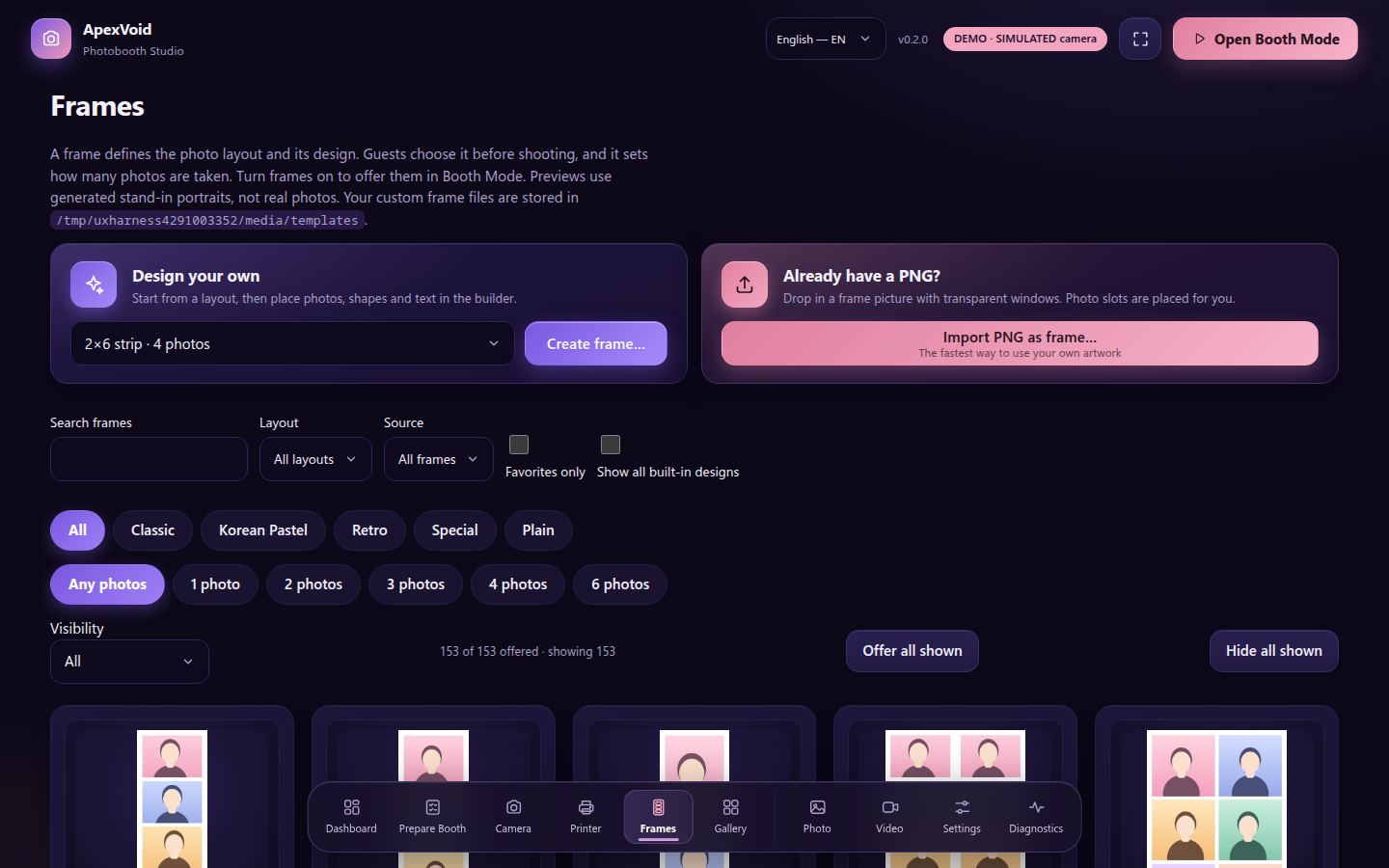
- Built-in strip, sheet and single-photo layouts with colour options
- A frame builder with photo slots, text and image layers
- Import a PNG with transparent windows as a ready frame
- Composition at 300 or 600 dpi
Printing
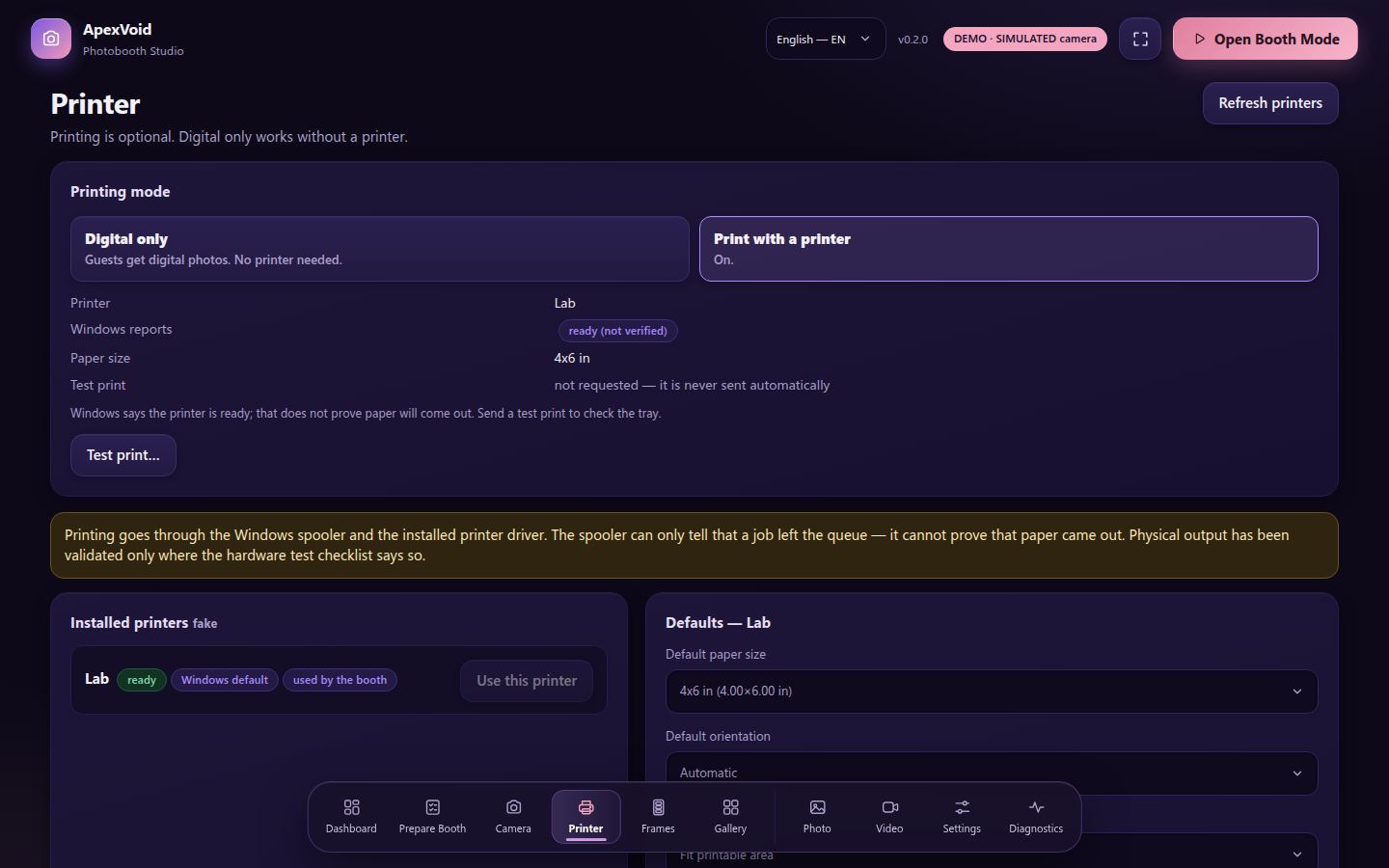
- Windows printers through the spooler, with the driver's own paper sizes
- A preview that shows placement and the printable area
- Two 2×6 strips on one 4×6 sheet
- Print history, guarded reprints and a digital-only mode
Media library
- Local SQLite metadata and files in Documents\apexvoid-studio
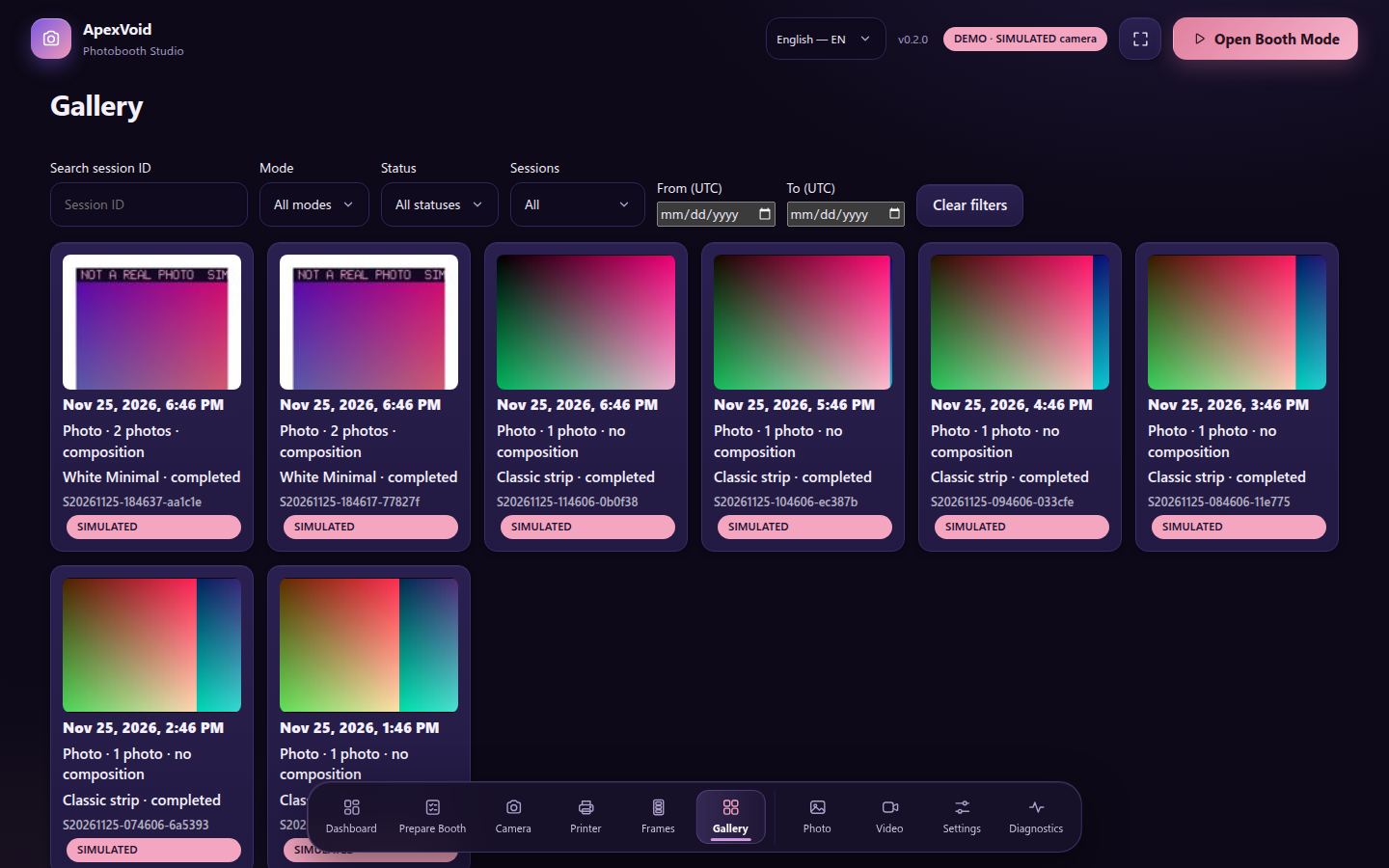
- Session browsing with search and filters
- Session ZIP export, recoverable trash and restore
- Backup and restore guidance for the whole library
Operator tools
- A readiness check before guests start
- Diagnostics and an offline support bundle without media or personal paths
- An English or Vietnamese Studio, independent of the guest language
- An optional PIN to leave Booth Mode
Not available
- macOS and Linux versions
- Camera-native movie recording through the Canon SDK
- Code-signed executables
From the application
Screenshots show the desktop application's interface, captured in its browser test harness.