Photobooth software for Windows
Capture moments.
Create memories.
A modern, local-first photobooth application designed for creators, studios, events and unforgettable experiences.
- Windows 10 and 11
- x64
- Portable — one executable
Two experiences, one application
A calm stage for guests. A clear desk for the operator.
Booth Mode
The guest takes the lead.
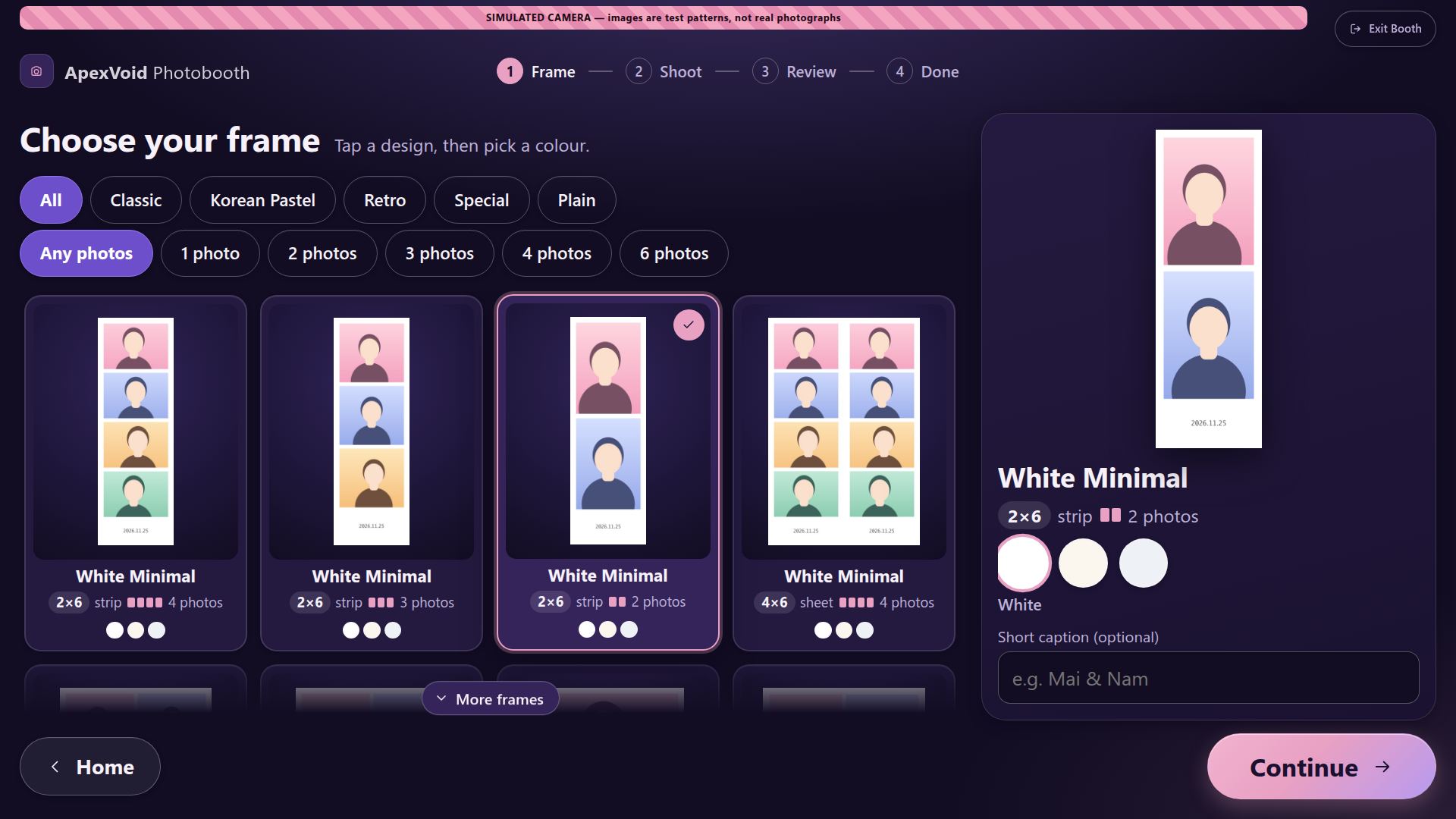
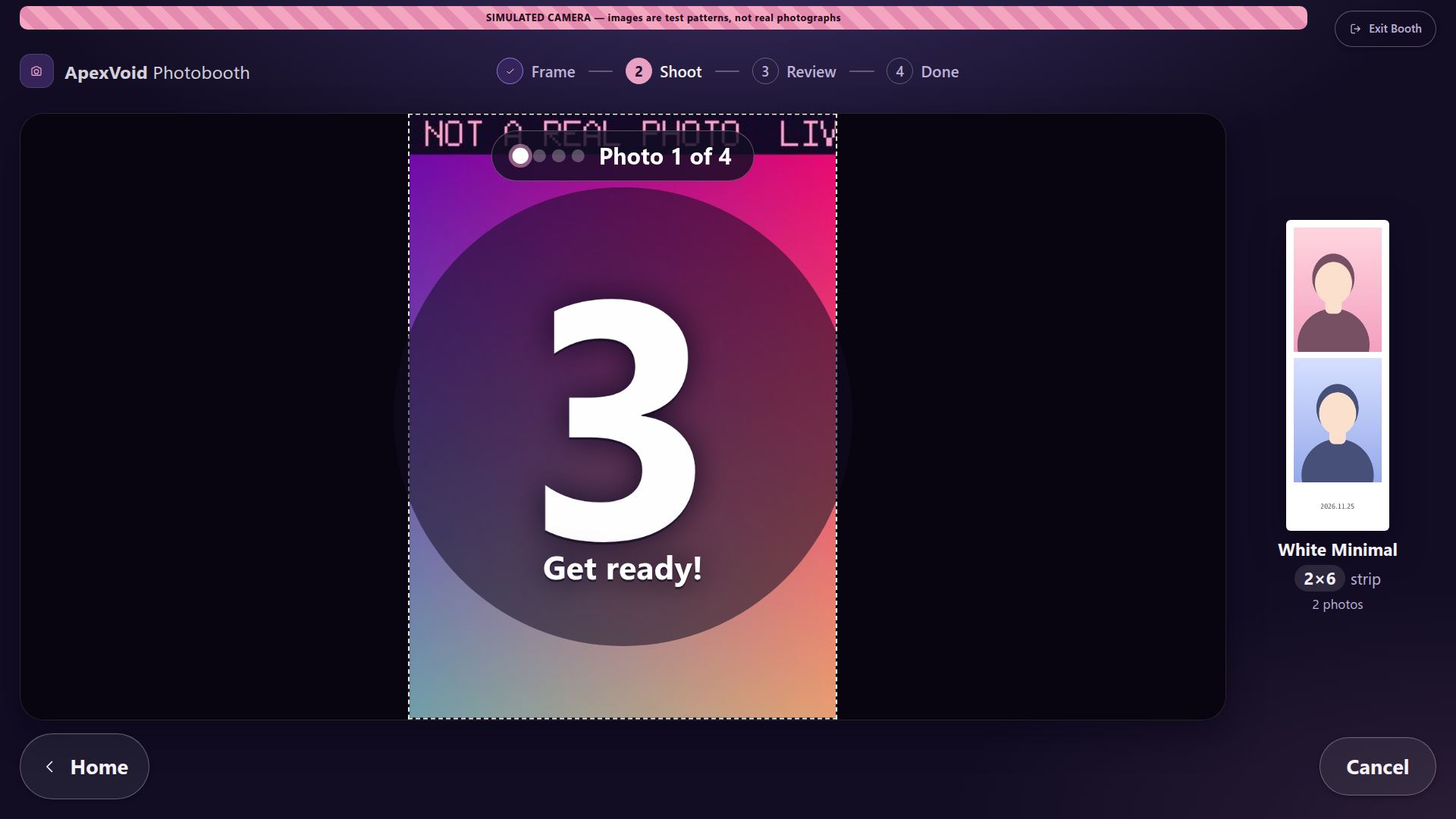
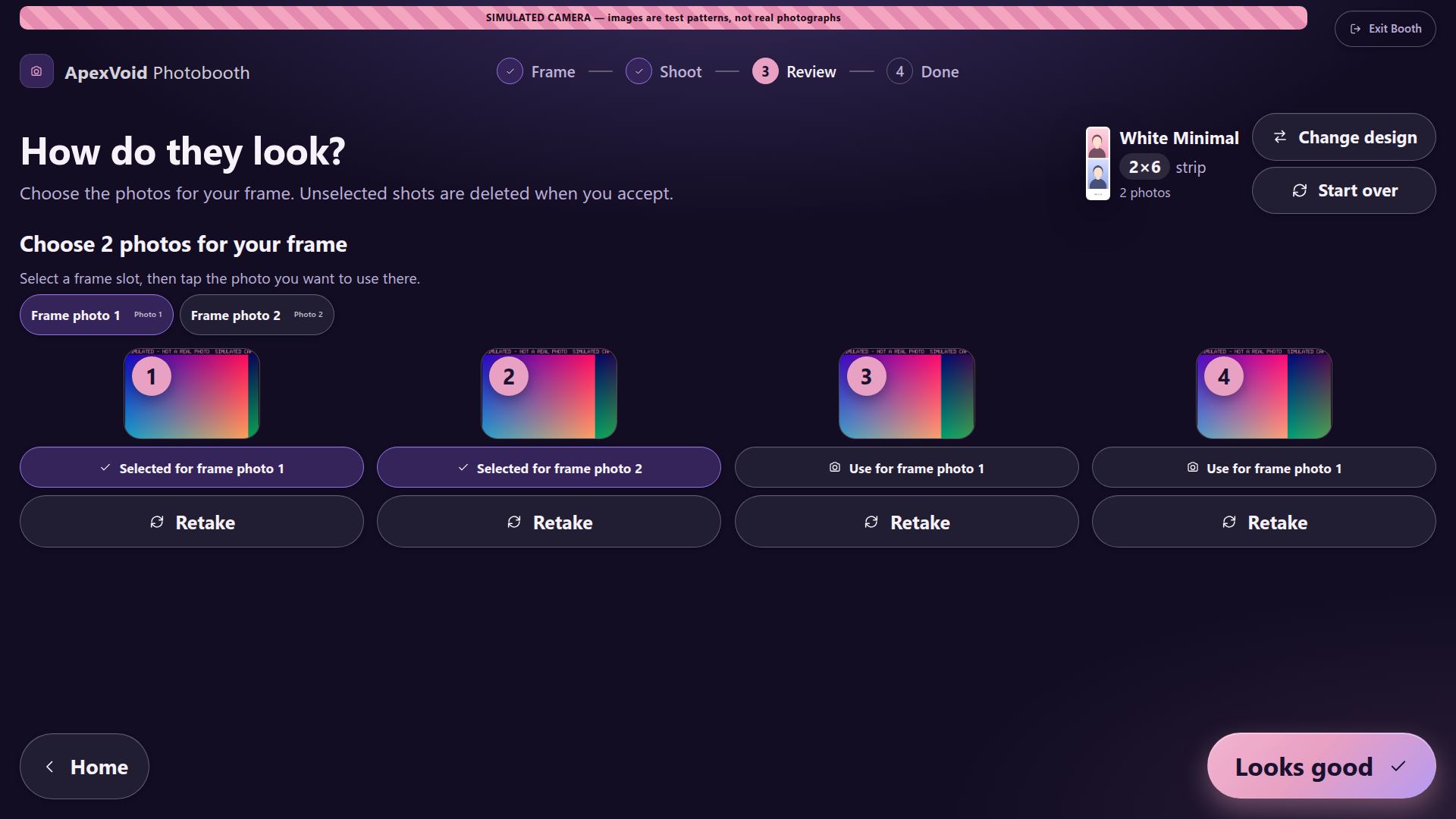
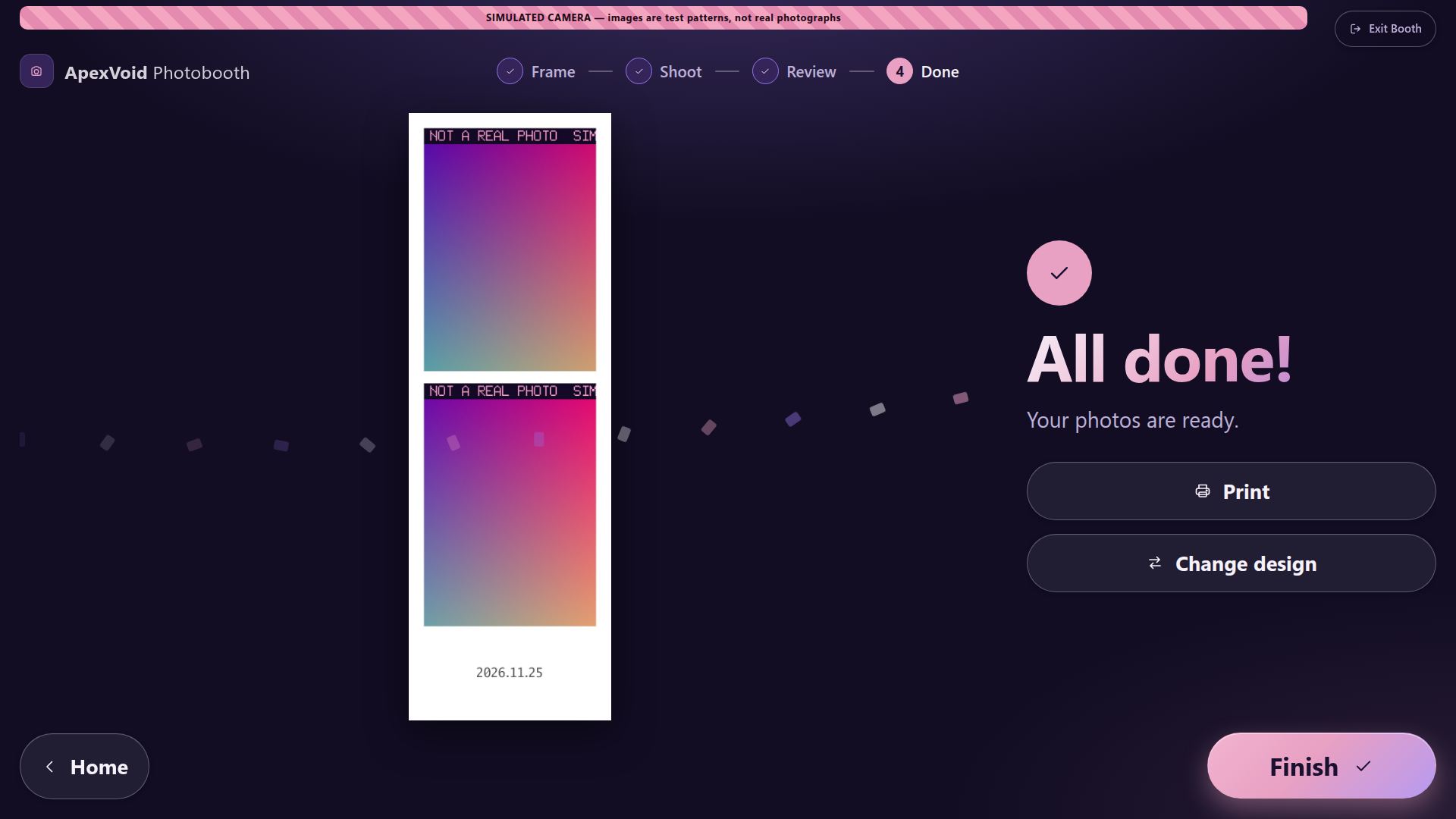
A fullscreen, touch-first journey: guests pick a frame first, see themselves live, count down, review every photo, retake the ones they don't like and leave with a composed strip.
- Frame selection before the camera starts
- Live preview, a large countdown and capture feedback
- Review with individual retakes
- Composition in the chosen frame, ready to print
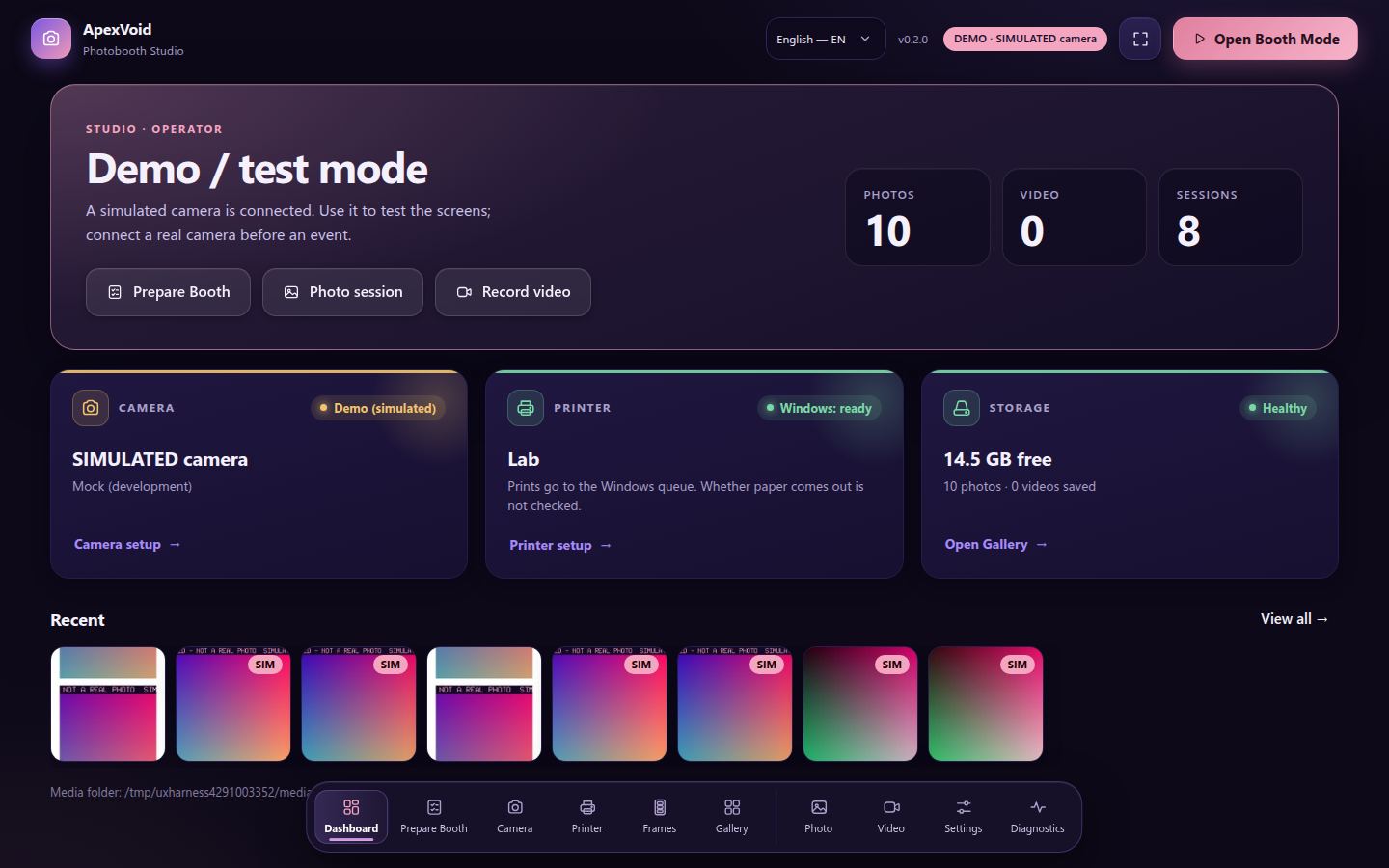
Studio Mode
Everything the operator needs, before the guests arrive.
Set up cameras and printers, manage frames, browse and export sessions, and check readiness — with the guest screen kept separate and protected by an optional exit PIN.
- Camera, printer and readiness checks
- Frame catalogue and frame builder
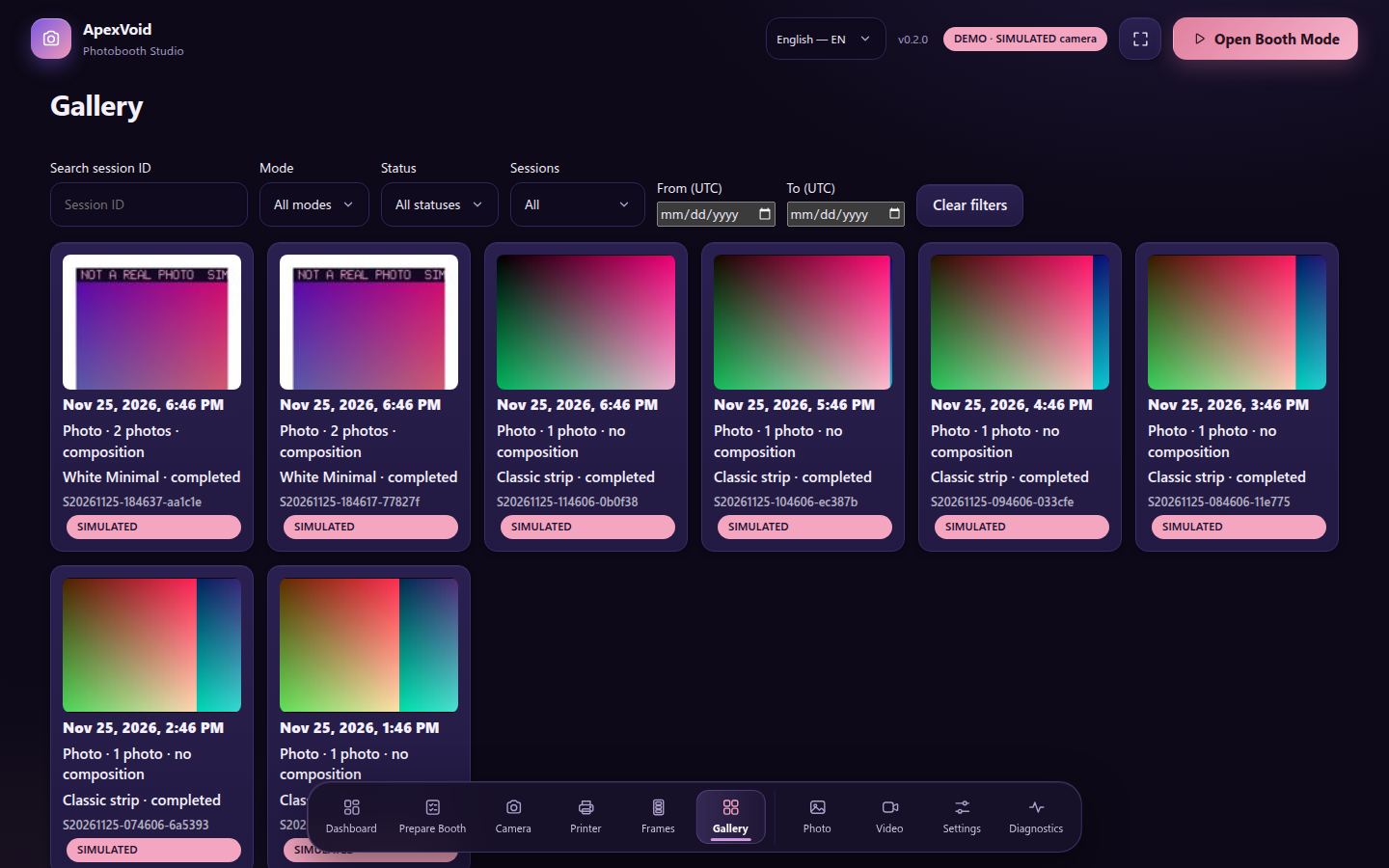
- Local media library with search and export
- Diagnostics and an offline support bundle
What it does
Built around the moment, not the menu.
Capture
Connect a camera, see a live preview and let a clear countdown do the rest. Every photo can be reviewed and retaken.
Create
Choose from built-in frames, design your own in the frame builder, or turn a PNG with transparent windows into a frame.
Print
Send strips and photos to a Windows printer with a placement preview, or run digital-only with no printer at all.
Manage
Sessions, originals and compositions stay in a local library you can browse, export, back up and restore.
The guest journey
Six steps from hello to a finished strip.
- 1
Choose a frame
The frame decides how many photos are taken.
- 2
Get ready
The camera starts with a live preview.
- 3
Capture
A countdown, then each photo is taken.
- 4
Review and retake
Keep the favourites, retake the rest.
- 5
Compose
Photos are placed into the chosen frame.
- 6
Print or export
Print it, or keep it digital.
Camera integration
Professional camera integration.
Connect a camera for live preview and automated capture, then tailor each session to your event. Camera workflows have been tested with a real camera.
Choose Canon EOS through EDSDK, a Windows webcam, or the simulated camera for setup and configuration.
Canon EOS cameras
EDSDK integration provides live view, remote capture and full-resolution JPEG transfer for compatible EOS cameras.
Windows webcams
Connect webcams and video capture devices through embedded FFmpeg and DirectShow.
Live camera preview
See the camera feed in Booth Mode before and during a photo session.
Automated photo sessions
Use countdown-led capture and set the number of shots independently of the selected frame.
Simulated camera
Explore setup and configuration without connecting a physical camera.
Local-first
Your photos stay on your computer.
The application keeps sessions, originals, compositions and settings on the machine it runs on. It needs no account, no server and no internet connection to run a session.
A library you control
Everything lives in a folder in Documents that you can open, back up and move.
Works offline
Shooting, composing, printing and browsing run on the local machine.
Nothing to sign in to
No accounts and no cloud storage. Diagnostics can be exported as a file when you need help.
You remain responsible for how guest photos are stored, shared and deleted.
Download
Get it for Windows.
The download page shows the current official release, when one is published, with its version, size, release notes and SHA-256 checksum.
- Windows 10 and 11
- x64
- Portable — one executable